
 Image 1 of 1
Not Ready for the Holidays
This is not a guide for getting through the holidays.
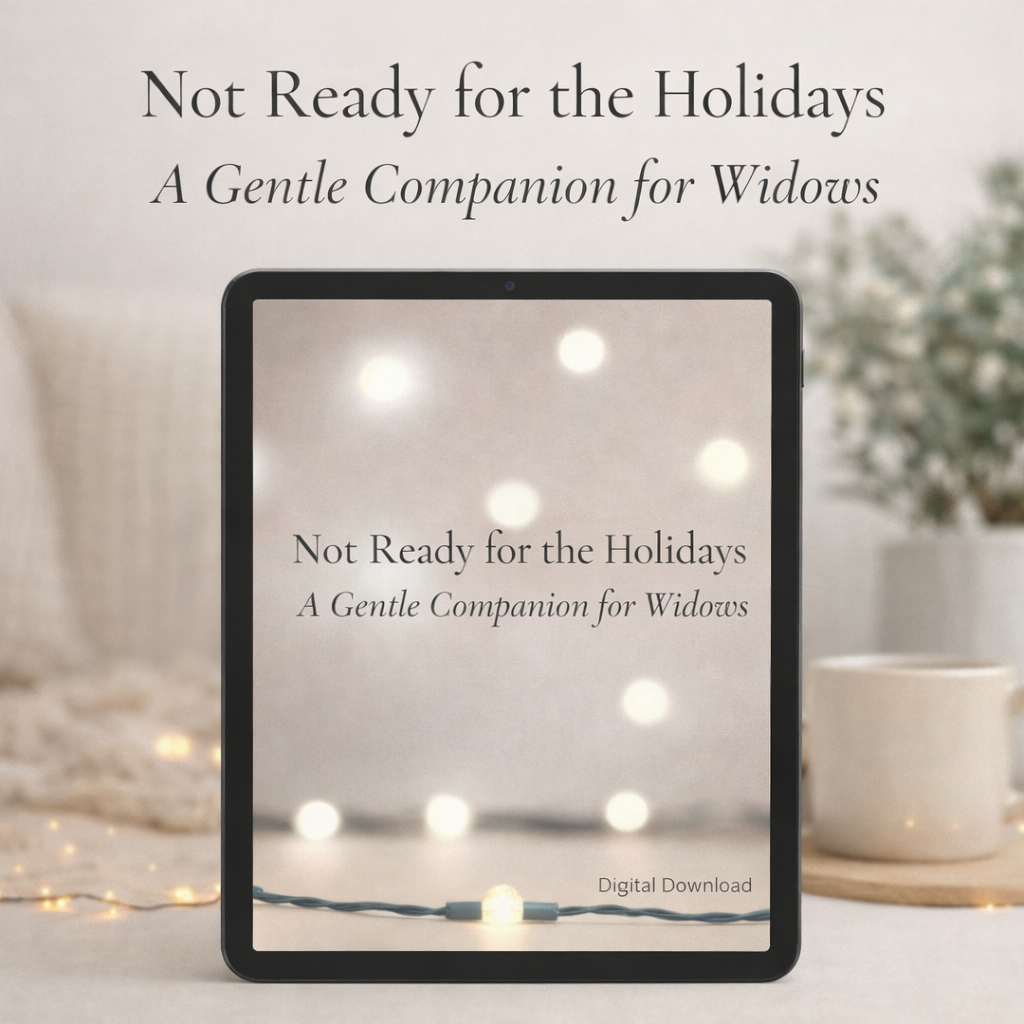
Not Ready for the Holidays is a gentle digital companion created for widows navigating the holiday season — especially those walking their first Christmas after loss.
Written from lived experience, this companion offers quiet pages for reflection, permission to rest, simple gentle rituals, stillness, and scripture-based comfort using The Message Bible. There is no order to follow, no timeline to keep, and nothing to complete.
Some days this may be a place to write.
Other days it may simply sit nearby.
Both are okay.
This companion was created for widows who are not ready for traditions, expectations, or explanations — and don’t need to be.
What’s Included
20 thoughtfully designed pages
Permission pages, reflection pages, stillness & gentle rituals
Scripture on every page (Message Bible)
Calm, minimal design with generous white space
Printable PDF + digital-friendly format
Instant digital download
This Companion Is For You If:
You are a widow navigating the holidays
This is your first Christmas after loss
You want something gentle, not instructional
You’re looking for faith-centered comfort without pressure
This Is Not:
A step-by-step grief program
A daily challenge or planner
A timeline for healing
How to Use This Companion in GoodNotes
This companion is designed to work beautifully in GoodNotes on iPad, but it can also be printed if you prefer.
📥 Step 1: Download the File
After purchase, download the PDF file to your device.
Save it to your Files app, iCloud, or Downloads folder.
📲 Step 2: Open in GoodNotes
Open the GoodNotes app on your iPad.
Tap the “+” (plus sign) in the top corner.
Select Import.
Locate the downloaded PDF and tap it.
The companion will open as a new notebook inside GoodNotes.
✍🏽 Step 3: Write and Reflect
Use the Pen, Text, or Highlighter tools to write directly on the pages.
Zoom in if you need more writing space.
There is no right way to use the pages — write, pause, or simply read.
🔁 Step 4: Return Anytime
Pages can be revisited as often as needed.
You can duplicate pages inside GoodNotes if you want to reuse a reflection or permission page.
There is no order to follow.
This is not a guide for getting through the holidays.
Not Ready for the Holidays is a gentle digital companion created for widows navigating the holiday season — especially those walking their first Christmas after loss.
Written from lived experience, this companion offers quiet pages for reflection, permission to rest, simple gentle rituals, stillness, and scripture-based comfort using The Message Bible. There is no order to follow, no timeline to keep, and nothing to complete.
Some days this may be a place to write.
Other days it may simply sit nearby.
Both are okay.
This companion was created for widows who are not ready for traditions, expectations, or explanations — and don’t need to be.
What’s Included
20 thoughtfully designed pages
Permission pages, reflection pages, stillness & gentle rituals
Scripture on every page (Message Bible)
Calm, minimal design with generous white space
Printable PDF + digital-friendly format
Instant digital download
This Companion Is For You If:
You are a widow navigating the holidays
This is your first Christmas after loss
You want something gentle, not instructional
You’re looking for faith-centered comfort without pressure
This Is Not:
A step-by-step grief program
A daily challenge or planner
A timeline for healing
How to Use This Companion in GoodNotes
This companion is designed to work beautifully in GoodNotes on iPad, but it can also be printed if you prefer.
📥 Step 1: Download the File
After purchase, download the PDF file to your device.
Save it to your Files app, iCloud, or Downloads folder.
📲 Step 2: Open in GoodNotes
Open the GoodNotes app on your iPad.
Tap the “+” (plus sign) in the top corner.
Select Import.
Locate the downloaded PDF and tap it.
The companion will open as a new notebook inside GoodNotes.
✍🏽 Step 3: Write and Reflect
Use the Pen, Text, or Highlighter tools to write directly on the pages.
Zoom in if you need more writing space.
There is no right way to use the pages — write, pause, or simply read.
🔁 Step 4: Return Anytime
Pages can be revisited as often as needed.
You can duplicate pages inside GoodNotes if you want to reuse a reflection or permission page.
There is no order to follow.